LIGE Smart Watch for Women & Men
LIGE Smart Watch for Women & Men
Couldn't load pickup availability

Q&A
The app cannot find the device?
1. Check if the device is powered on; press and hold the side button until it turns on;
2. Bring the device closer to your phone, as a shorter distance increases the chances of locating it;
3. Check whether the device has been connected to another phone. If it has been connected to another Android device, disconnect that phone from the current device
After the connection fails, try again. If connected by another iPhone, you will need to find "My" in the Bluetooth list under Settings after unbinding
Device: After clicking the small icon next to the Bluetooth name, ignore the device and try again;
4. Please ensure the App has been granted location permissions;
5. Please try turning off the Bluetooth on your phone, then turn it back on and search again;
6. Please try restarting the App before performing the search;
7. Please try restarting the device before performing the search again;
8. Please try restarting your phone, then open the App and perform the search again.
9. Please try turning off Bluetooth and then turning it back on
How to turn on the watch?
1. Press and hold the button for 3 seconds to turn on the device;
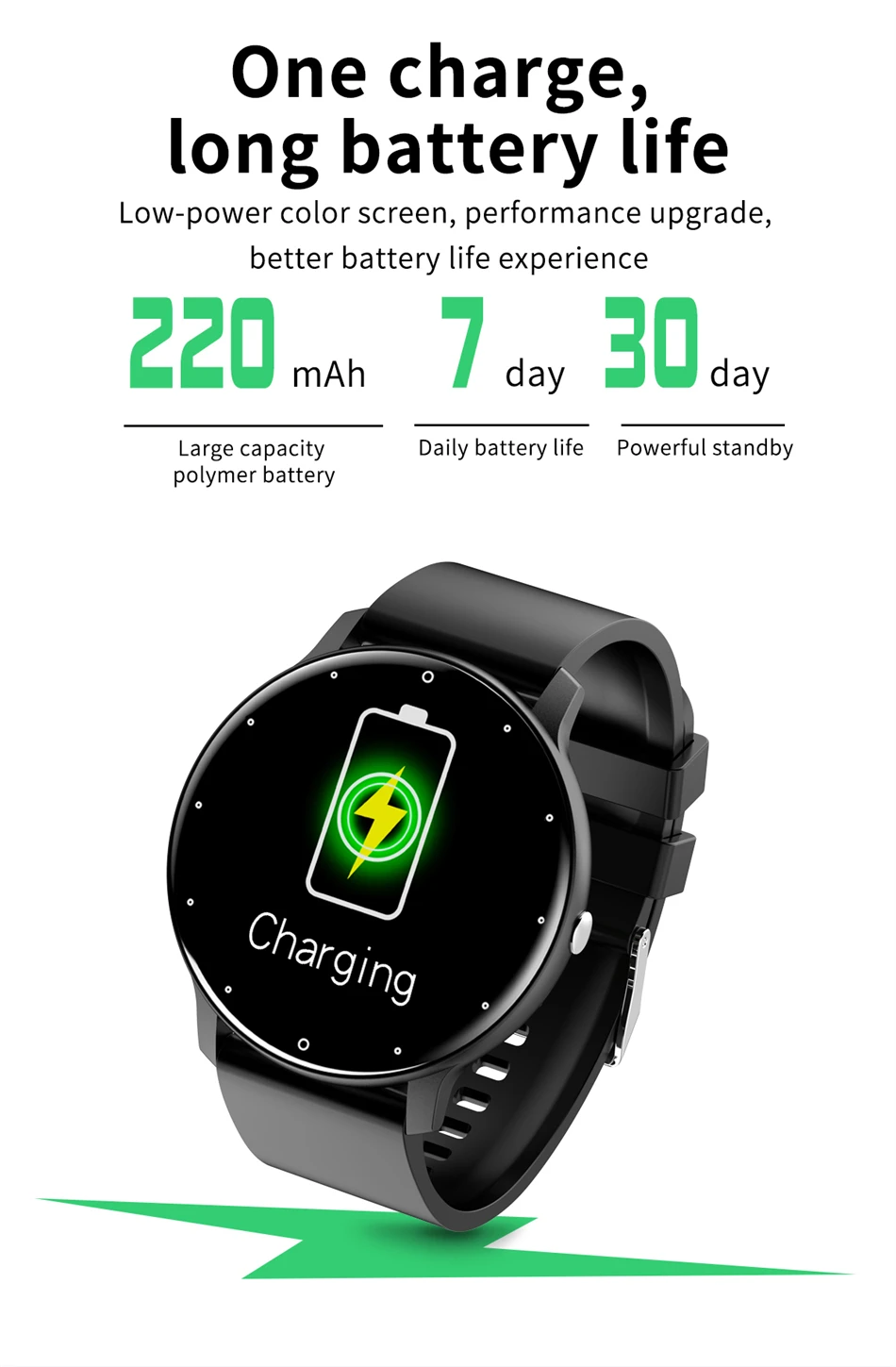
2. When the watch is turned off, charging can also be turned on (if the watch is turned off with low battery and not charged for a long time, the battery will enter a low battery protection state, and a high-power charger such as a 5V1A charger will be needed to charge and activate it);
3. If the device is not turned on for the first time or has not been used for a long time due to over discharge protection, please charge it for more than 30 minutes until it is turned on.
Why doesn't the watch turn on while charging?
Before the first use, it is necessary to charge the watch in order to activate it for operation; The watch needs to be charged before it can be turned on again after being turned off;
2. The rated voltage for charging watches is 4.8-5.2V, and customers generally need to charge with a 5V power supply for optimal performance. Fast charging with 9V will cause the capacitor to be damaged
Breakdown, causing a short circuit or open circuit in the PCBA board;
3. Long term overdischarging of the battery (such as when the battery is without power and the user does not charge it for a long time without power, which can cause the product to fail to turn on);
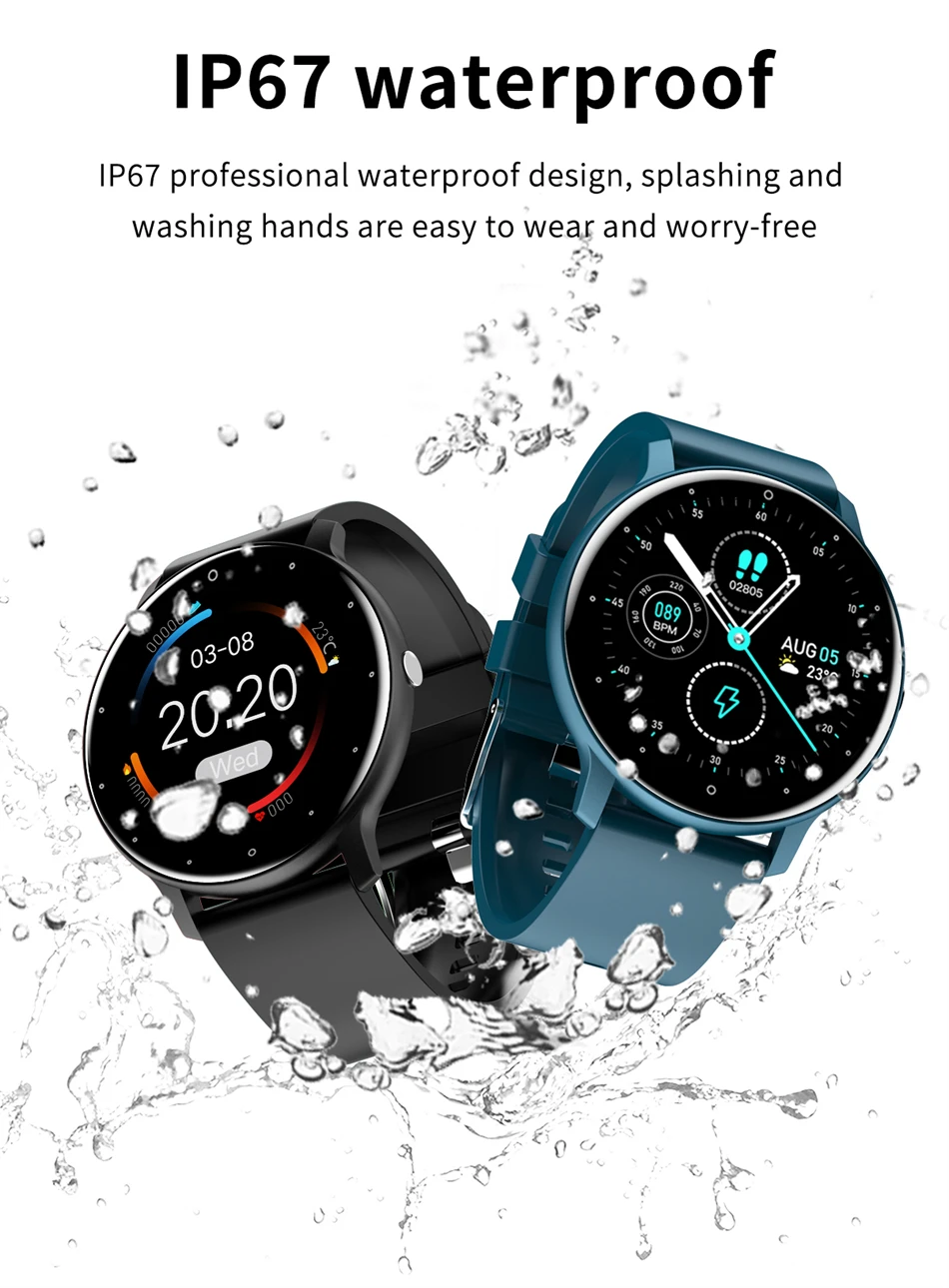
4. If the product is not waterproof and short circuited, it will not be able to start up (water temperature above 40 degrees Celsius can cause the product to peel and become waterproof);
5. False welding of battery wires. During use, the positive and negative wires at both ends of the battery break, and the battery has no output, so it does not turn on;
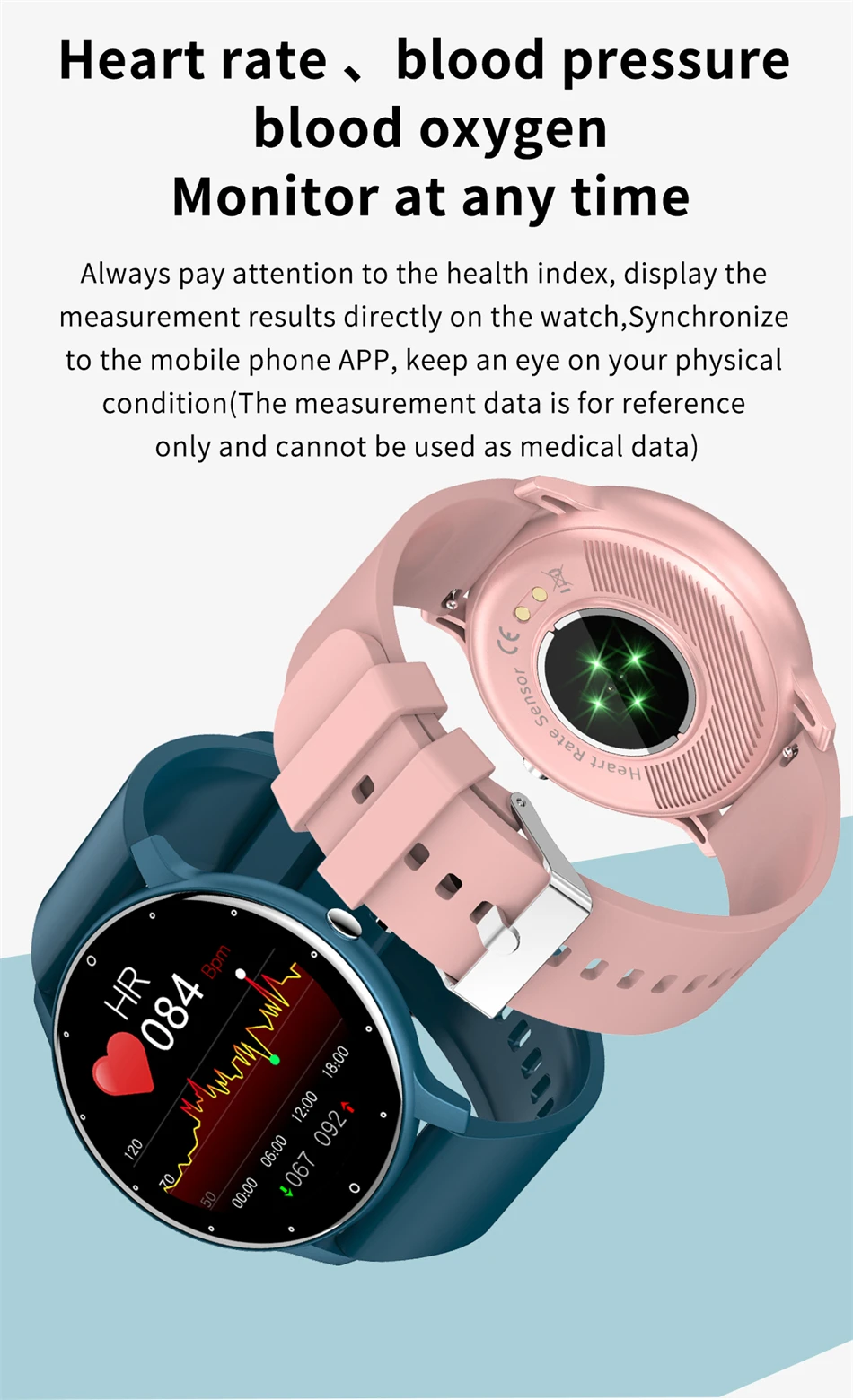
6. When charging, if the watch screen does not respond, please confirm whether the watch can vibrate and whether the heart rate light on the back is flashing. If so
There is a response on the screen, which belongs to a screen malfunction and needs to be returned to the factory for repair. If there is no response, it should be a hardware failure and needs to be returned to the factory for repair;
7. If the charging cable is confirmed to be problem free or unable to charge, it is a hardware malfunction and the watch needs to be returned to the factory for repair
How to establish a BT connection?
1. Connect the watch to the app. Once you are connected to the app (BLE connection), you will receive a prompt on the app's home screen to pair with "CONNECT BT". Click on pair.
2. You can switch to Bluetooth on your phone and pair it with CONNECT BT.
Notes:
a. IOS system, the first time the app is bound, Apple will automatically connect Bt/BLE;
b. On the Android system, when binding an app for the first time, some prompts prompt the user to perform a BT connection operation, while others do not. In short, the user needs to perform a second Bluetooth (BT) connection operation themselves.